
Client Portal Billing & Payments, Made Simple
Manage client portal billing and payments through your secure SimplePractice account. Review invoices, payment history and receipts, update your saved card, and make full or partial payments toward your current balance.
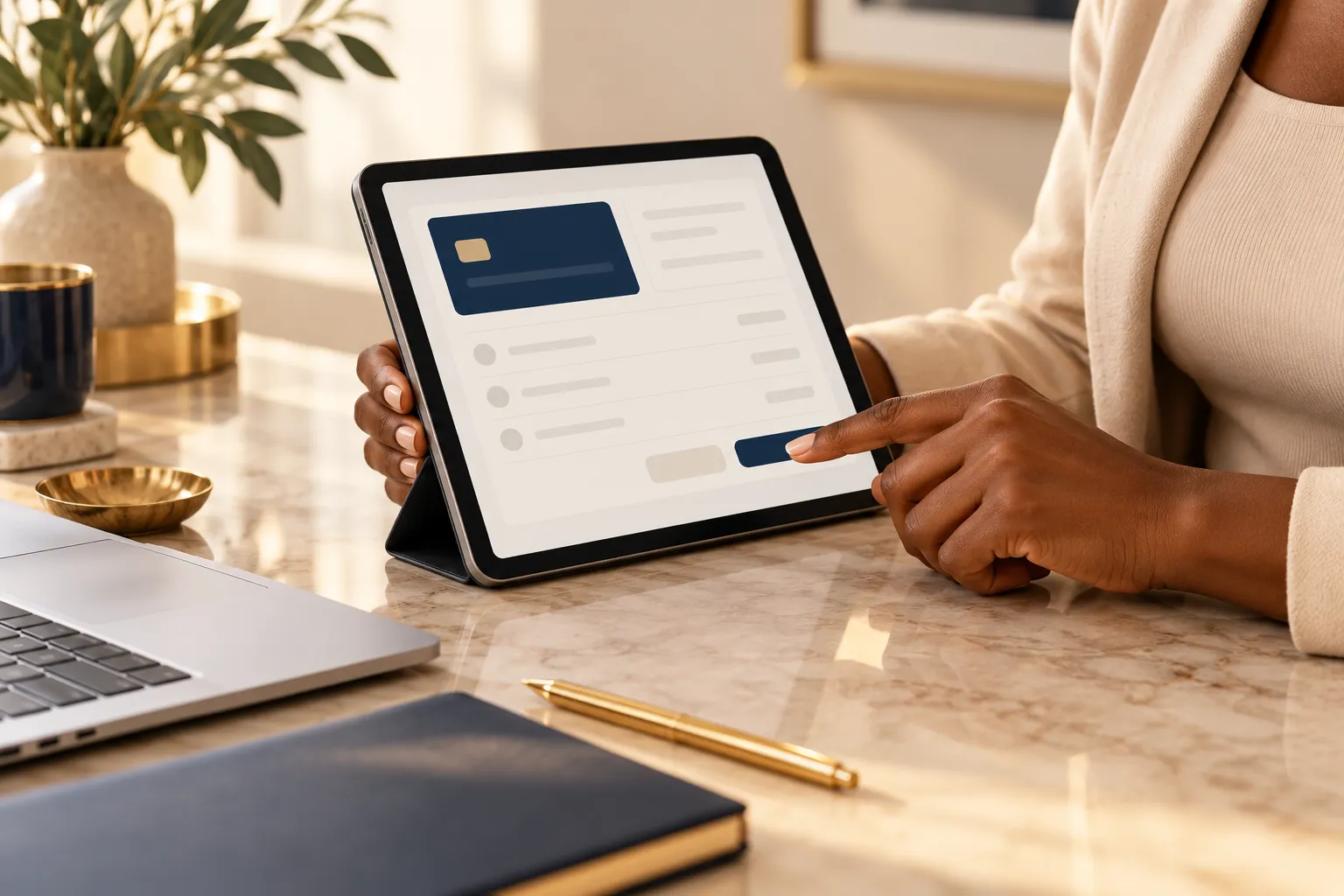
Knowing where you stand makes the next step easier.
Your billing, in one place
- Review current balances and invoices.
- Make full or partial payments.
- View payment history and available receipts.
- Update saved payment information.
How to make a payment
Sign in.
Open your secure client portal using the email associated with your account.
Review your billing.
Open the Billing & Payments area and review the invoice or balance you want to address.
Make your payment.
Follow the payment prompts, review the amount and confirm your payment. Keep your receipt for your records.
Your portal resources, all together
Go straight to your account, review your payment options, or follow the guide to signing in.

Client Portal Login
Access your account to review invoices, balances and payment history.
Access Your Portal →
Billing & Insurance
Explore insurance and the additional payment options available through the practice.
Explore Payment Options →
Logging Into Your Portal
Use our login guide for help accessing your secure client portal.
View the Login Guide →Follow the payment tutorial
Use this interactive SimplePractice walkthrough to explore how to make a partial payment in your client portal.
If the tutorial does not load, open it in a new tab.
Learn more about billing
The SimplePractice Client Help Center explains how to view and download billing documents, make payments, update saved cards, and find your payment history and receipts.
Read the SimplePractice Billing Guide →Making a partial payment
You can make a partial payment toward your current balance through the portal. Any unpaid amount remains due under your payment terms.
Returning with a past-due balance?
Please contact billing to establish a clear path toward resolving your balance.
Plan Your ReturnNeed another payment option?
Request a separate invoice to review the payment methods available for your transaction, or learn about CareCredit for eligible expenses.
Questions, answered.
Can I pay my full balance in the portal?
Yes. You can review your balance and follow the portal’s payment prompts to pay it in full.
Does a partial payment change my due date?
No. Any remaining amount is still due under your payment terms unless the practice has separately agreed otherwise.
Where can I ask about a charge?
Email billing@jlfamilyservices.com or send a message through our contact option. Our team will reply through chat or email.
Does paying my balance automatically schedule therapy?
No. Contact our team to confirm your account status, paperwork and clinician availability before resuming treatment.
You do not have to figure it out alone.
Tell us what feels unclear. We can help you understand your options and the next step toward care.
Ask Our Team