
How to Message Your Therapist on the SimplePractice App
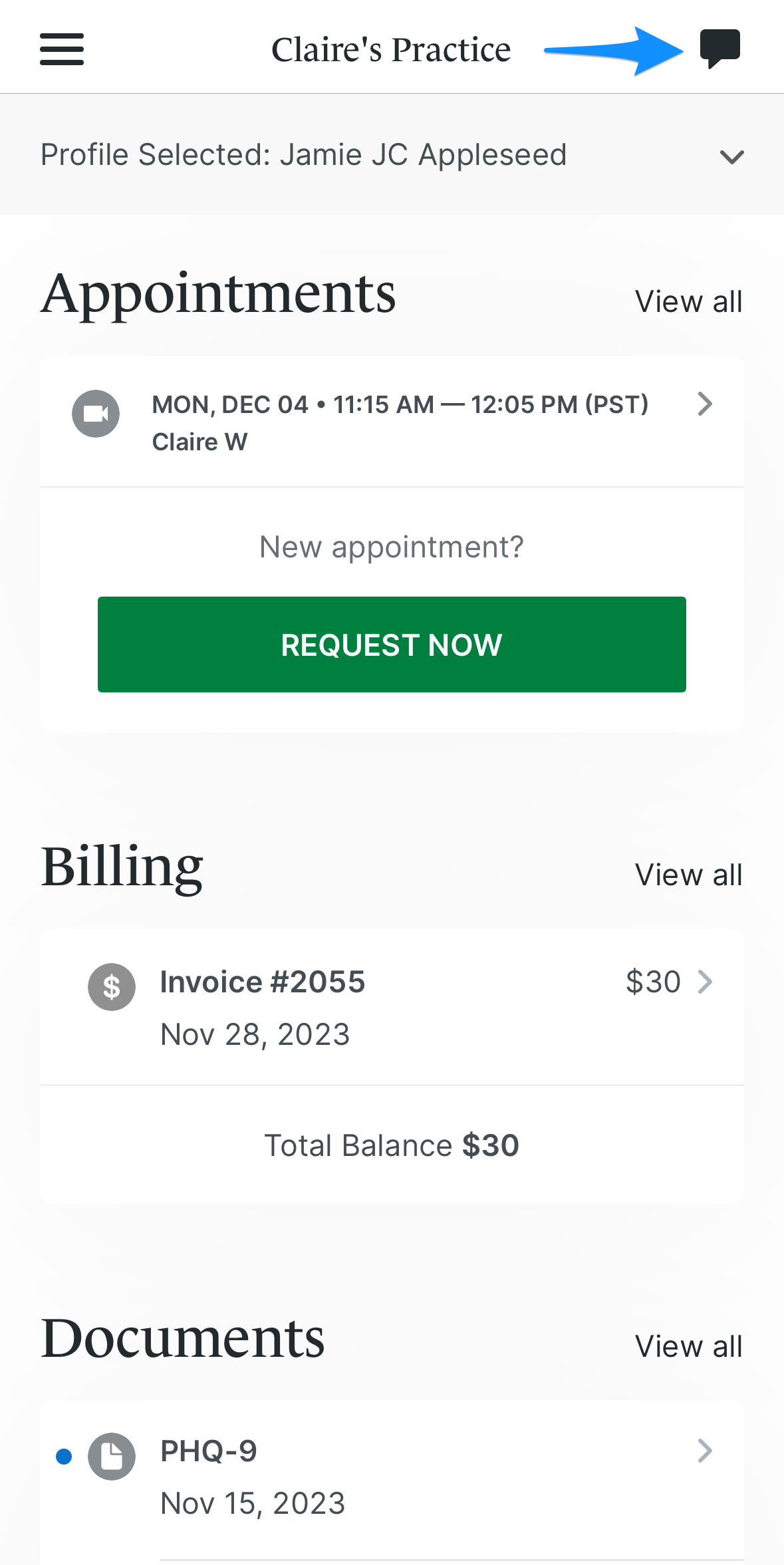
Step 1: Open the SimplePractice App
To message your therapist, first log into the SimplePractice Client Portal app on your mobile device. Once logged in, tap Messages from the app menu.
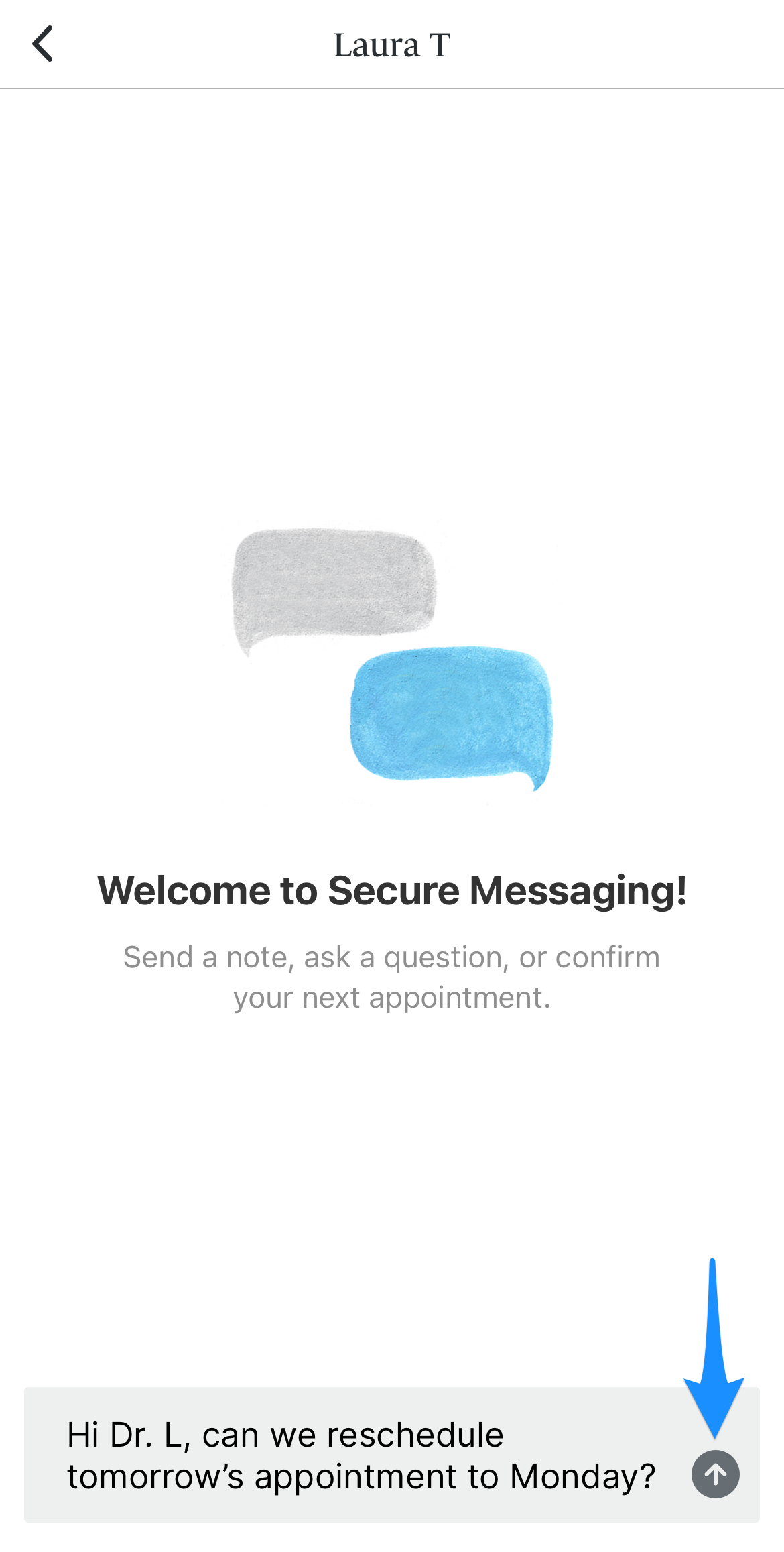
Step 2: Start a New Message
Tap New Message to message your therapist directly.
- Select your assigned clinician.
- Add a subject line and type your message.
- Tap Send to deliver your message securely through the app.
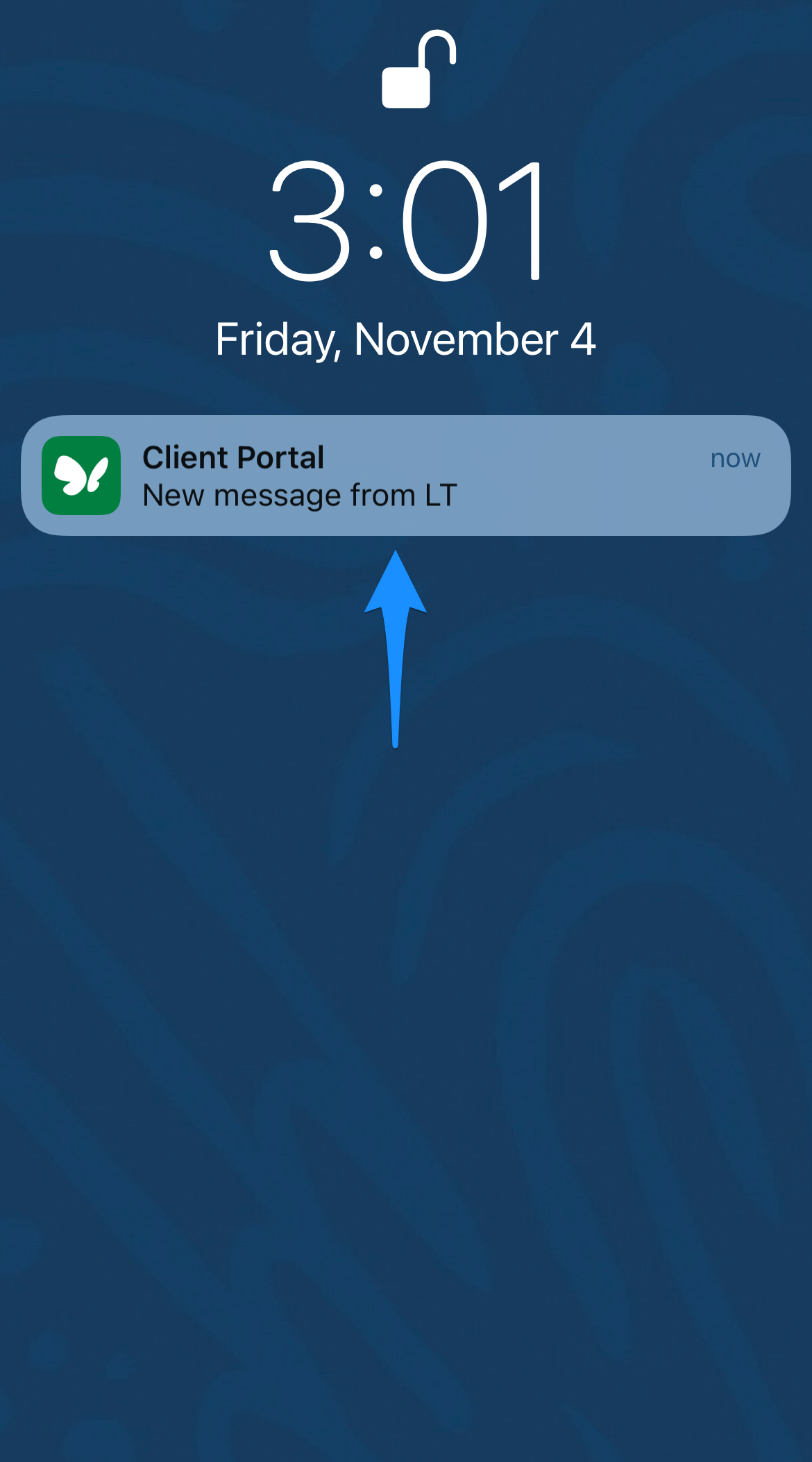
Step 3: Check for Replies
Your therapist’s responses will appear in the same Messages section of the SimplePractice app. You may also receive a mobile notification when a new message is available.
Important Reminders
- Use secure messaging for non-urgent communication such as scheduling, questions, or check-ins with your therapist.
- For urgent concerns or emergencies, please call 911 or contact emergency services.
- Need help accessing the SimplePractice app? Reach out to our intake or admin team for support.