
Getting Started With Therapy
Getting started with therapy at JL Family Services begins with a simple, coordinated process designed to help you feel informed before your first appointment. After your free telephone consultation and the billing team provides an estimate of your expected cost per session, you can contact your therapist directly to schedule. Because each clinician manages their own calendar, they can work with you to find appointment times that offer greater flexibility and fit your needs.
What happens next
Your therapist manages their own schedule.
For clients getting started with therapy at JL Family Services, appointments are scheduled directly with your therapist. Our clinicians manage their own schedules so they can offer clients more flexibility and coordinate appointment times based on their current availability.
You do not have to guess who to contact. Once you are ready to schedule, you can email your therapist, email intakes@jlfamilyservices.com, or send your clinician a Secure Message through the SimplePractice Client Portal.
Before your first appointment
Getting Started With Therapy: What Happens Before You Schedule
The getting started with therapy process helps make sure you understand the clinical fit and your expected cost before choosing an appointment time with your therapist.
Complete Your Free Telephone Consultation
Start with the free telephone consultation so the intake team can learn what you are looking for and help connect you with an appropriate therapist.
Receive Your Billing Estimate
The billing team will review the available billing or insurance information and provide an estimate of your expected cost per therapy session.
Schedule Directly With Your Therapist
Once your consultation and billing estimate are complete, contact your therapist directly. Your therapist will coordinate the first appointment with you and continue managing scheduling going forward.

Getting Started With Therapy: How to Reach Your Therapist
When you are ready to schedule, you are contacting your therapist to coordinate the appointment rather than selecting a first-session time from a general scheduling calendar.
You can reach out in any of these ways:
- Email your therapist directly using the contact information they provided.
- Email intakes@jlfamilyservices.com if you need help getting connected.
- Send your clinician a Secure Message from your SimplePractice Client Portal.
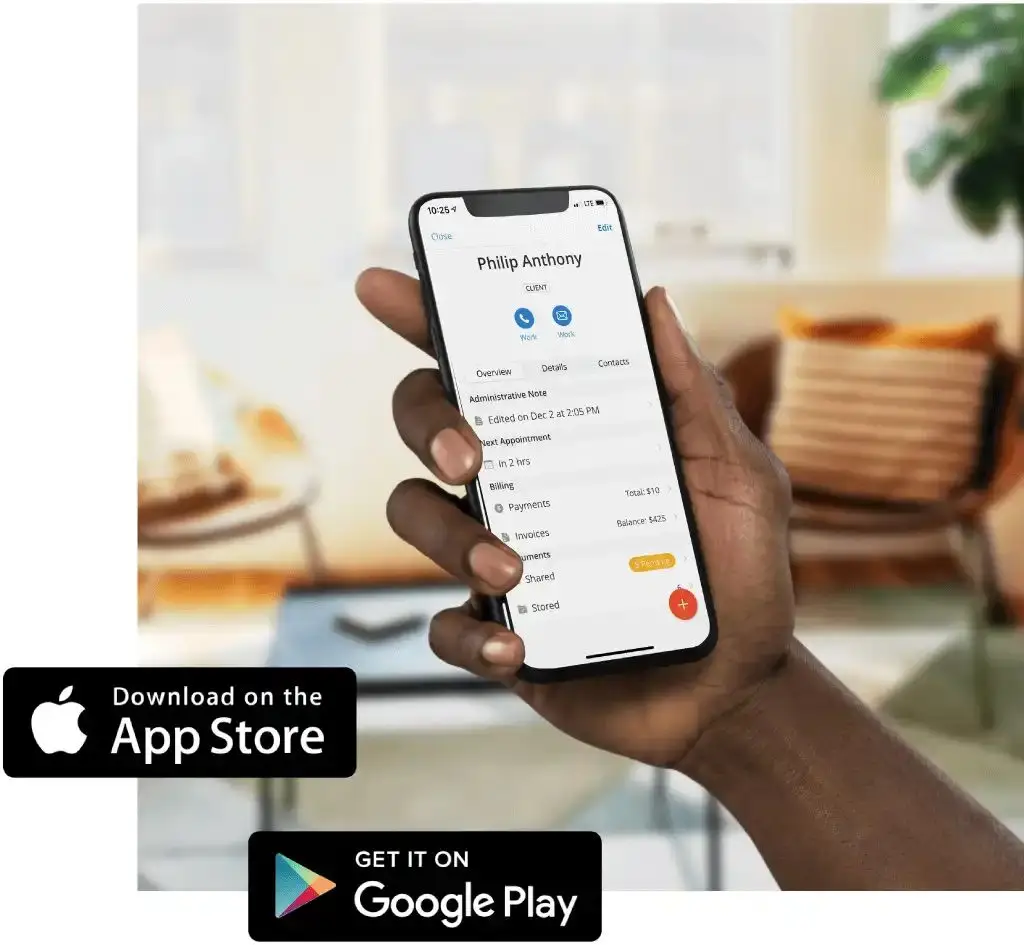
Your Client Portal Is Also a Direct Line to Your Clinician
The SimplePractice Client Portal is more than a place to review paperwork and account information. You can also use the Messages section to communicate securely with your clinician.
Secure messaging is a helpful option for requesting an appointment, asking a scheduling question, or sending a non-urgent update without using regular email.
Quick Reminder
Your therapist handles appointment scheduling directly.
When getting started with therapy, schedule your first session only after your free telephone consultation and billing estimate are complete. Reach out to your therapist by direct email or Client Portal Secure Message to arrange your appointment. If you need help reaching your therapist, email intakes@jlfamilyservices.com.
Client Portal + Mobile App
Getting Started With Therapy Is Easier With One Secure Portal
Appointments
View appointment information after times have been coordinated with your therapist.
Payments
Make payments and review account information available through your portal.
Secure Messages
Message your clinician directly for scheduling questions and non-urgent communication.
Paperwork
Complete intake documents and other forms assigned through SimplePractice.
Assignments
Access shared homework or resources that your therapist makes available.
Need help getting connected?
The intake team can help you reach the right person.
If you are getting started with therapy and have completed your consultation and billing estimate but are unsure how to contact your therapist, email the JL Family Services intake team. For clinician-specific scheduling, your therapist remains your primary scheduling contact.